
AI Image Upscaler
Enlarge your photos to 2K, 4K, or 8K with AI-powered upscaling. Retain sharpness, textures, and vibrant colors while removing blur and compression noise.
Upload the image you want to upscale
Click to upload image


Professional-Grade Image Enhancement with AI Image Upscaler
AI Image Upscaler leverages cutting-edge neural network technology to intelligently scale up your images without sacrificing detail or texture quality. By removing blur and compression noise, it produces razor-sharp outputs ideal for photographers, graphic designers, marketing professionals, and digital creators seeking exceptional image clarity.
AI Image Upscaler – Versatile Resolution Options
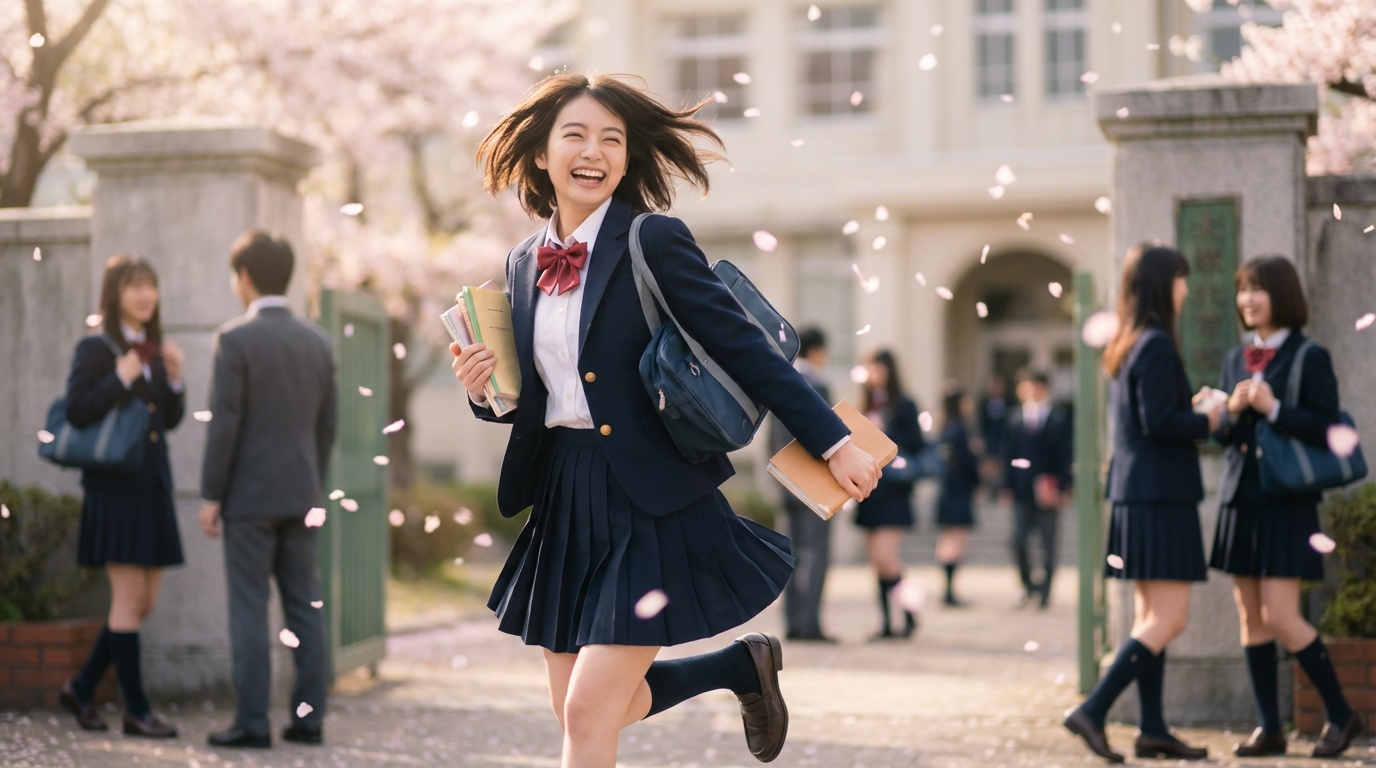
AI Image Upscaler provides flexible output choices at 2K, 4K, and 8K resolutions. The smart processing engine examines your image content and applies tailored enhancement techniques for each resolution tier. From product photography to portrait shots and scenic views, the tool preserves authentic visual quality while substantially boosting pixel density. Choose the ideal resolution to match your requirements, whether for web display or billboard-sized prints.
AI Image Upscaler – Superior Detail Retention
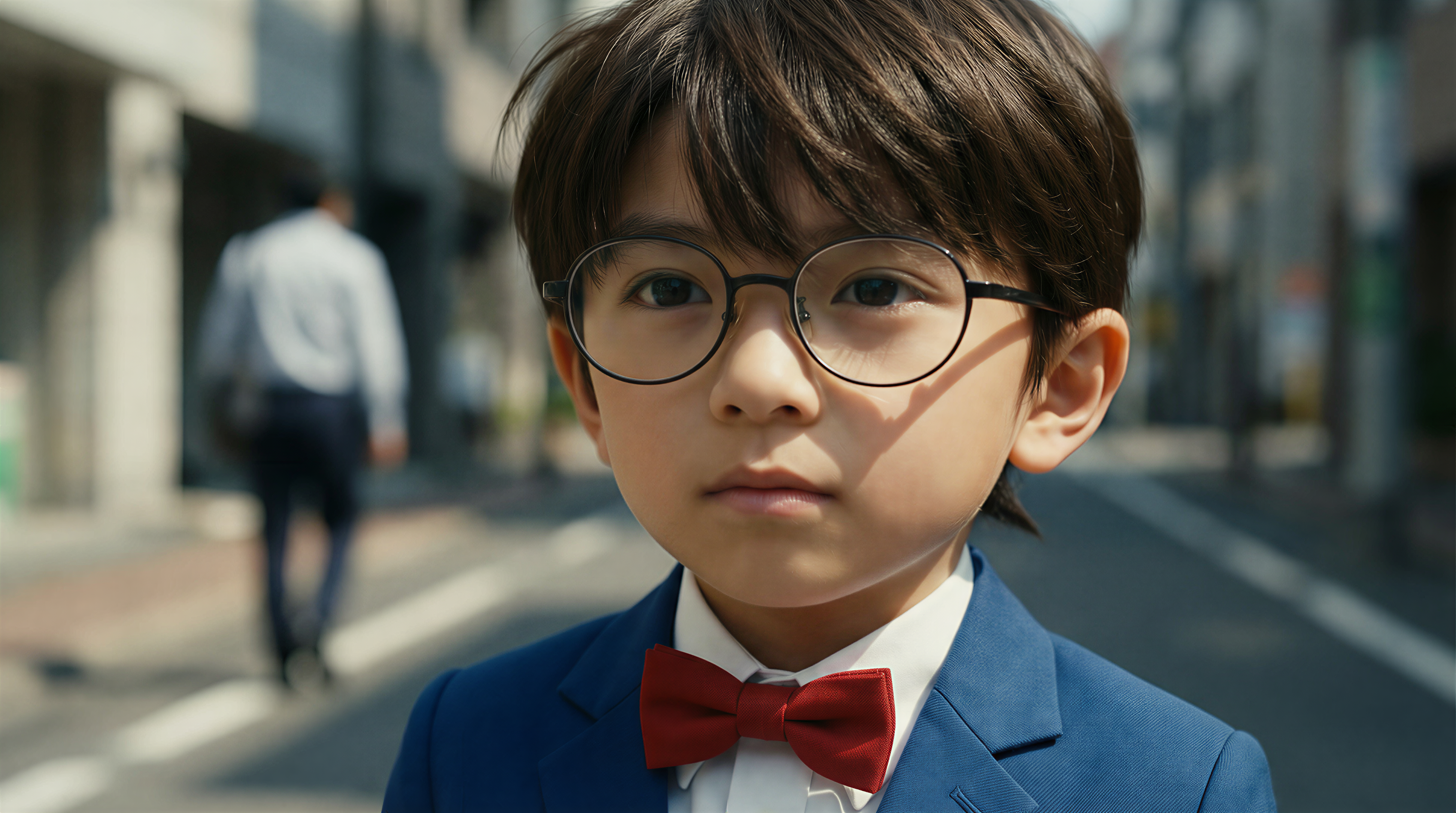
What sets AI Image Upscaler apart is its exceptional capability to maintain and refine intricate details throughout the enlargement process. Sophisticated neural network models rebuild textures, boundaries, and visual patterns that conventional scaling techniques would destroy. Facial skin appears lifelike, textile weaves stay defined, and structural elements maintain their precision. This approach guarantees outputs that satisfy both commercial demands and artistic expectations.

AI Image Upscaler – Customizable Export Settings
AI Image Upscaler delivers comprehensive flexibility through various export format choices including JPEG, PNG, and WebP. Every format addresses distinct requirements: JPEG for compact file dimensions, PNG for pristine quality with alpha channel capability, and WebP for contemporary web deployment. Paired with resolution selections, you gain complete authority over output parameters to accommodate any production pipeline or distribution channel.
Getting Started with AI Image Upscaler
Complete these straightforward steps to transform your images into breathtaking high-resolution versions using AI Image Upscaler
Applications for AI Image Upscaler
AI Image Upscaler addresses a wide spectrum of professional and artistic applications, spanning from photo restoration to online retail imagery and creative artwork scaling.
📸 Photography Excellence
AI Image Upscaler converts ordinary snapshots into publication-ready artwork. Revive vintage photographs, polish portrait shots, and ready visuals for oversized prints while maintaining pristine quality.
🎨 AI Artwork Scaling
Elevate AI-created visuals to production-grade standards with AI Image Upscaler. Keep artistic nuances and surface details intact while reaching dimensions perfect for printed goods, merchandise, and exhibition displays.
🛍️ Online Store Imagery
AI Image Upscaler elevates merchandise visuals for digital storefronts. Generate zoomable, ultra-sharp product shots that highlight item specifics and boost buyer assurance.
📱 Social Platform Visuals
Scale up content for Instagram, Pinterest, and various social networks using AI Image Upscaler. Guarantee sharp, polished imagery that captures attention in busy social streams.
🖼️ Legacy Image Recovery
AI Image Upscaler salvages quality from degraded screenshots, document scans, and historical image archives. Bring back sharpness to precious visual materials.
📰 Promotional Content
Get images ready for pamphlets, display banners, and advertising campaigns with AI Image Upscaler. Attain publication-grade resolution from internet downloads or smartphone captures.
Common Questions Answered
Information regarding AI Image Upscaler operation, compatible formats, resolution choices, and output quality. For further assistance, reach us at [email protected]
What is the technology behind AI Image Upscaler?
AI Image Upscaler employs sophisticated machine learning models to examine your image and intelligently fill in pixel data during enlargement. Rather than conventional interpolation that merely stretches existing pixels, our AI rebuilds textures, contours, and fine details using knowledge derived from extensive training on premium image datasets, producing authentic and crisp enlarged results.
Which resolution options can I choose?
AI Image Upscaler presents three output resolution tiers: 2K, 4K, and 8K. Your final image dimensions will vary based on the source image's aspect ratio. The AI independently computes the ideal scaling multiplier to achieve your chosen resolution while keeping original proportions intact.
Which file types work with the upscaler?
AI Image Upscaler processes JPEG, PNG, and WebP as input formats. For exports, pick from JPEG (efficient compression), PNG (full quality with transparency), or WebP (optimized for web). Input files must not exceed 10MB.
What is the processing duration?
Typical images complete processing in 30-60 seconds, varying with source dimensions and chosen output resolution. Larger targets like 8K may need additional processing time. The progress bar displays live status updates throughout the operation.
Can the upscaler fix out-of-focus photos?
AI Image Upscaler can sharpen mildly soft images and eliminate compression distortions. Nevertheless, heavily blurred or completely unfocused photos will show modest improvement. The AI performs optimally with reasonably clear source images, amplifying existing details rather than fabricating absent information.
Are upscaled images cleared for business use?
Absolutely, every image processed through AI Image Upscaler is fully licensed for commercial applications including online retail, promotional materials, advertising campaigns, print publications, and all other business contexts with no extra licensing requirements.