
AI Talking Head Video Generator
Create professional AI talking head videos for training, onboarding, and educational content. Upload a photo, add your script, and generate videos with natural lip sync in 50+ languages.

Next Step:
AI Talking Head: Your On-Demand Digital Presenter
AI talking head technology creates realistic digital presenters that speak with natural lip movements—perfect for training, demos, and multilingual content at scale.

Head and Upper Body Focus for Maximum Clarity
AI talking head displays only the head or upper body, designed to sit in a corner of your screen without blocking important content. Unlike full-body avatars that emphasize gestures and movement, talking heads focus on clear speech delivery and natural lip sync. This makes them ideal for positioning alongside slides, screen recordings, or product demos where the presenter should guide without distracting.

Natural Lip Sync in 50+ Languages
Advanced AI ensures your talking head speaks naturally in any language with accurate lip movements that match the audio. Record once and generate versions in English, Spanish, Mandarin, Arabic, and dozens more—each with proper phoneme-to-mouth matching. Reach global audiences without hiring voice actors or reshooting, cutting localization costs by up to 80%.
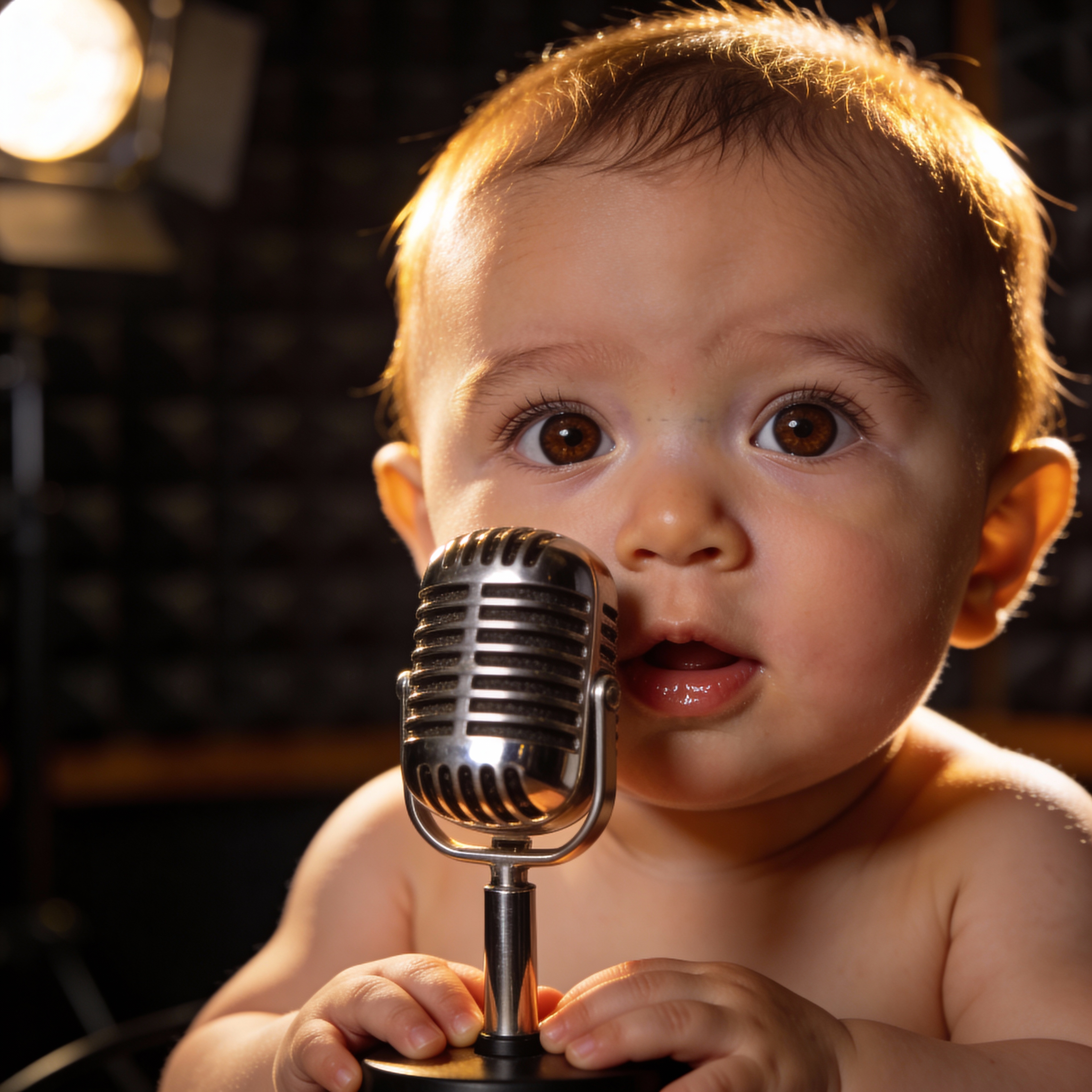
From Photo to Speaking Presenter in Minutes
Upload any clear frontal photo and transform it into a talking presenter. The AI maps facial features to create natural expressions and movements while keeping the original appearance. No camera equipment, studio setup, or filming schedule needed—generate professional presenter videos whenever you need them.

Consistent Presenter Across All Your Content
Unlike real presenters who may be unavailable or change appearance, AI talking head delivers the same consistent look and voice every time. Create hundreds of training modules, product updates, or help videos with a single digital presenter. Perfect for brands that need uniform messaging across departments, regions, and time zones.
Create AI Talking Head Videos in 3 Steps
From photo to professional presenter video—no filming required
Upload Your Image
Upload a clear frontal photo (JPG, PNG, or WEBP up to 10MB). The face should be clearly visible with good lighting. You can use a professional headshot, brand spokesperson photo, or any portrait that represents your desired presenter.
Add Your Audio or Script
Record your own voice, upload an audio file (MP3, WAV, or M4A up to 5MB), or use text-to-speech to generate narration. Choose from 30+ AI voices in 50+ languages. Keep audio clear with minimal background noise for best lip sync results.
Generate and Download
Click generate and receive your AI talking head video in minutes. Download as MP4 ready for embedding in slides, help articles, or learning management systems. Position the video in any corner of your content as a picture-in-picture presenter.
Why AI Talking Head Works for Professional Content
The right tool for structured presentations, training, and support—where clear communication matters more than entertainment.
📚 Training Completion Rates That Matter
Help center videos with talking head presenters reduce support tickets by 38% on average. Learners are used to receiving instruction from a person—the visible presenter structures lessons and makes complex topics more approachable without dominating the screen.
🌍 One Recording, 10+ Language Versions
Generate the same AI talking head in multiple languages with authentic lip movements. Traditional dubbing costs $1,200+ per video minute—AI localization cuts this by 70-90% while delivering natural results in days instead of weeks.
⏰ No Scheduling, No Reshoots
Real presenters get sick, change jobs, or need scheduling. AI talking head is available 24/7 with consistent appearance across every video. Update scripts instantly without coordinating calendars or booking studio time.
📐 Corner-Friendly Design
Unlike full-body avatars that need the full frame, AI talking head is optimized for picture-in-picture positioning. Place your presenter in any corner while slides, demos, or documentation take center stage. The presenter guides without blocking.
💼 Enterprise-Ready at Scale
Companies like Unilever and Deloitte use AI talking head to cut training video production time from weeks to hours. Create compliance modules, onboarding sequences, and knowledge base content without production crews or studio rentals.
🎯 Speech-First, Not Motion-First
Full-body avatars prioritize gestures and movement for social content. AI talking head prioritizes clear speech delivery and lip accuracy—exactly what training, support, and educational content needs. Less distraction, more learning.
AI Talking Head FAQ
Common questions about creating AI talking head videos for training, onboarding, and professional content.
What image requirements work best for AI talking head?
Use a clear frontal photo with the face clearly visible and good lighting. Supported formats include JPG, PNG, and WEBP up to 10MB. Professional headshots work well, but any portrait with visible facial features can be transformed into a talking head presenter.
How long can AI talking head videos be?
Audio files up to 60 seconds are supported per generation. For longer training content, generate multiple clips and combine them in your video editor or learning management system. Most users create 30-60 second segments for better engagement.
What audio formats are supported?
Upload MP3, WAV, OGG, AAC, or M4A files up to 5MB. Clear recordings with minimal background noise produce the most natural lip sync. You can also use the built-in text-to-speech feature with 30+ AI voices in 50+ languages.
How does AI talking head compare to full-body avatars?
Full-body avatars emphasize gestures and movement for entertainment content. AI talking head focuses on speech clarity and lip sync accuracy, designed to sit in screen corners alongside slides or demos. Choose talking head for training, support, and educational content where clear communication matters most.
Can AI talking head videos be used commercially?
Yes. Videos created with AI talking head can be used for commercial purposes including corporate training, marketing campaigns, client projects, and product documentation. You retain full usage rights to all generated content.
How do teams use AI talking head for multilingual content?
Create your video once with your original script. Then generate additional versions by uploading translated audio or using text-to-speech in target languages. The AI produces matching lip movements for each language, letting you reach global audiences without reshooting or hiring voice actors for each region.